
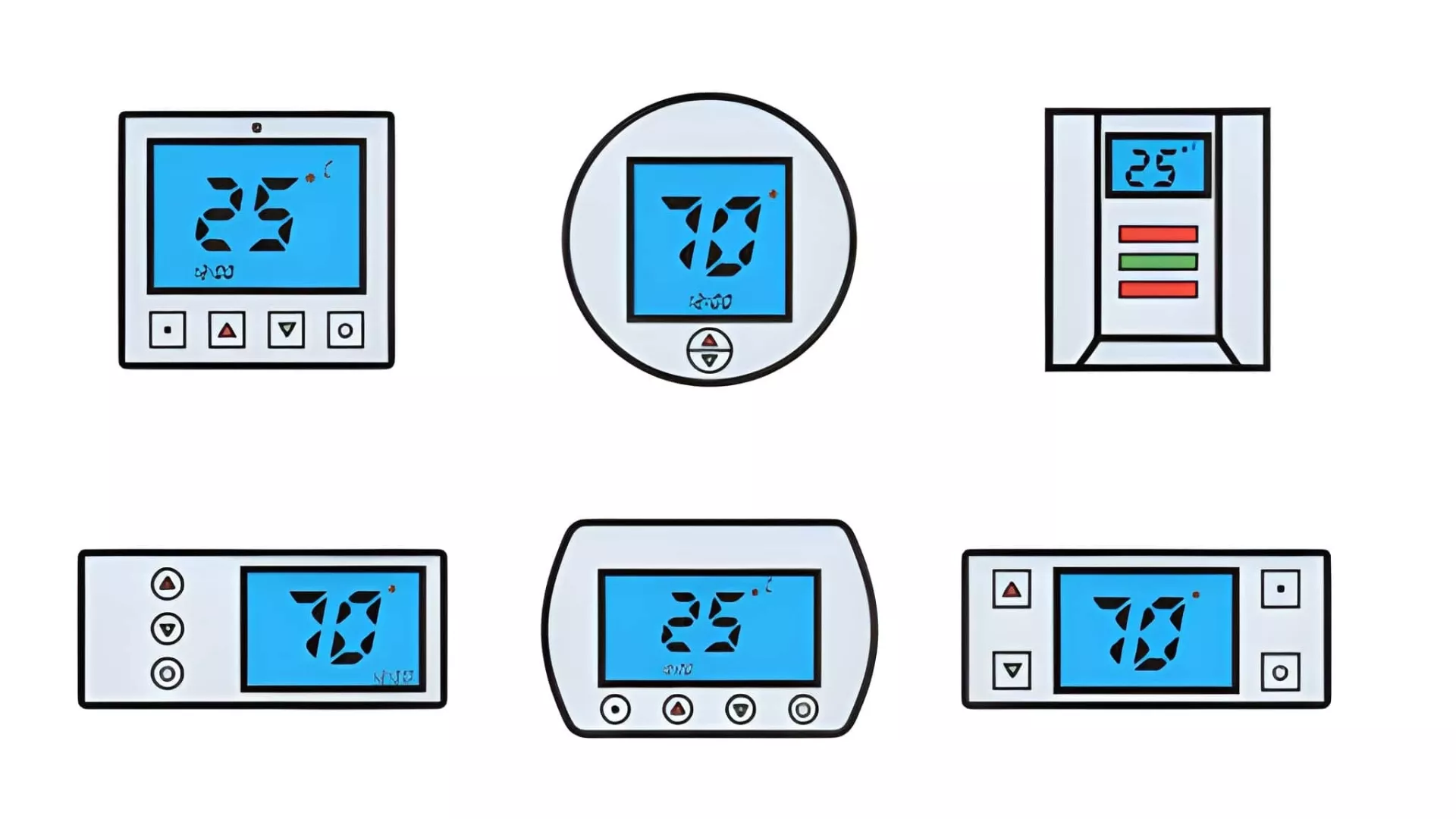
⚡ Quick Answer
For most modern smart homes, a touchscreen thermostat wins — it delivers better energy savings, app control, and a premium look. However, for households with seniors, young children, or anyone who prefers tactile feedback, a button thermostat is the clearer, more reliable choice. The best thermostat is not the most advanced one — it is the one that every person in your home can use confidently every single day.
Touchscreen vs Button Thermostat: At a Glance
| Feature | Touchscreen Thermostat | Button Thermostat |
|---|---|---|
| Interface | Capacitive glass — tap and swipe | Physical keys — click feedback |
| Ease of Use | Medium — menus and swipes | High — direct and simple |
| Senior Friendly | Lower — fine motor needed | Higher — arthritis friendly |
| Typical Lifespan | 8–12 years | 7–10 years |
| Smart Features | Full — app, Wi-Fi, voice, learning | Limited on basic models |
| Energy Savings | 8% heating / 15% cooling | Lower without app integration |
| Best For | Smart homes, younger households | Seniors, rentals, high-use homes |
🔑 5 Key Takeaways
- Touchscreen thermostats save an average 8% on heating and 15% on cooling via Energy Star automation
- Button thermostats are significantly easier for seniors — no precise tapping or learning curve required
- Touchscreens last 8–12 years on average — slightly longer than button models at 7–10 years
- Button thermostats survive rough handling better — ideal for rentals, dusty homes, and busy families
- For 70–80% of modern smart HVAC installs, touchscreen is the recommended choice — but not for every household
What Are Touchscreen and Button Thermostats?
Touchscreen Thermostats Explained Simply
A touchscreen thermostat uses a capacitive glass display — the same technology as your smartphone. You control it by tapping, swiping, and navigating menus directly on the screen. Most modern touchscreen thermostats also connect to your home Wi-Fi, giving you full control through a smartphone app from anywhere in the world. Popular examples include the Ecobee SmartThermostat Premium, the Sensi Touch 2, and the Google Nest Learning Thermostat. These devices are designed to look sleek on your wall and integrate seamlessly with smart home ecosystems like Amazon Alexa and Google Home.
Button Thermostats Explained Simply
A button thermostat uses physical raised or membrane keys that you press to adjust temperature, switch modes, and set schedules. Every press gives you a clear tactile click or resistance — you can feel that your input has registered without needing to look at the screen. Button thermostats range from very basic non-programmable models to more advanced programmable units with small digital displays. Some newer button models also include Wi-Fi and app connectivity — but the defining feature is always the physical key interface that gives confident, immediate feedback.
How Both Connect to Your HVAC — and Why the Interface Changes Everything
Here is something important to understand. Both types connect to your HVAC system in exactly the same way — through the same standard wiring terminals (R, C, W, Y, G). The heating and cooling performance of your system is not affected by which interface you choose. What changes is entirely about daily interaction, usability, and smart features. The interface determines how easy it is to change the temperature at 11pm, how well a 75-year-old family member can use it, and whether you can adjust your heating from your office on a cold afternoon.
Ease of Use and Senior-Friendly Comparison
Why Tactile Feedback Matters for Everyday Adjustments
Think about how often you adjust your thermostat. For most households, it happens multiple times a day — often quickly, without much thought, sometimes in the dark or without glasses on. Physical buttons give you instant confirmation that your input worked — you feel the click, and you know it registered. A touchscreen requires you to look at the display, tap precisely on the right area of the glass, and wait for a visual response. For a quick temperature nudge at midnight, that difference in feedback is surprisingly significant.
How Touchscreens Can Frustrate Older Adults
For seniors — particularly those with arthritis, tremors, or reduced fine motor control — touchscreen thermostats present real daily challenges. Capacitive glass requires a deliberate, steady tap in the right spot. A slightly imprecise touch may register nothing, or worse, activate the wrong function. Navigating through menus and sub-screens to change a simple temperature setting can feel overwhelming for someone who just wants to turn the heat up by a degree or two. Button thermostats, by contrast, have large physical keys that respond to any firm press — no precision required.
Ease of Use Comparison Table
| Feature | Touchscreen Thermostat | Button Thermostat | Winner |
|---|---|---|---|
| Tactile / click feedback | None — visual only | Strong — feel and click | ✅ Button |
| Senior ease of use | Lower — fine motor needed | Higher — arthritis friendly | ✅ Button |
| Accidental presses | Common — fingerprints, kids | Rare | ✅ Button |
| Programming speed | Faster with app | Faster on-device for basics | 🤝 Tie |
| Learning curve | Medium — menus and swipes | Low — direct buttons | ✅ Button |
Source: 2026 Alibaba usability studies and senior-focused thermostat comparison reports.
The Practical In-Store Test
Here is one of the most useful tips for choosing between the two types. When you visit a store to look at thermostats, try adjusting the temperature without looking directly at the screen. Close your eyes or look away and try to raise the temperature by 2°C (3.6°F). With a button thermostat, you can do this confidently by feel alone. With a touchscreen, it is nearly impossible without looking. This simple test immediately reveals which interface will work better for your household’s daily habits — especially for anyone who adjusts the thermostat half-asleep at night.
Durability and Longevity – Real 2026 Data
How Touchscreens Fail vs How Buttons Fail
Understanding how each type fails is just as important as knowing how long they last. Touchscreen thermostats tend to fail suddenly and completely — a cracked screen, an unresponsive display, or a digitiser that stops registering touches can render the entire unit unusable overnight. Button thermostats fail more gradually and predictably — keys become sticky, require harder presses, or occasionally stop responding. Gradual failure gives you warning and time to plan a replacement. Sudden failure does not.
Rough-Use Environments: Where Buttons Win
In environments where the thermostat takes daily punishment — rental properties, dusty workshops, busy family kitchens, or homes with young children — button thermostats hold up significantly better. Glass screens scratch, crack under impact, and can become unresponsive after exposure to cleaning sprays or humidity. Physical button units are more forgiving of rough handling, accidental knocks, and less-than-gentle cleaning. For landlords managing multiple properties, the lower replacement cost and higher physical resilience of button models is a genuine practical advantage.
Durability Comparison Table
| Metric | Touchscreen | Button Thermostat | Real-World Insight |
|---|---|---|---|
| Typical lifespan | 8–12 years | 7–10 years | Touchscreen edges out in clean homes |
| Failure mode | Sudden — scratches, unresponsive | Gradual — sticky keys | Buttons more predictable |
| Rough-use survival | Lower — glass prone to damage | Higher | ✅ Button wins in tough environments |
| Cleaning ease | Excellent — flat smooth surface | Good — dust collects in gaps | ✅ Touchscreen easier to wipe clean |
Source: 2025–2026 durability tests and manufacturer data from Beok Controls and Consumer Reports.
Cleaning and Maintenance in Everyday Use
On the cleaning front, touchscreens have a clear advantage. A flat glass surface wipes clean in seconds with a damp cloth — no gaps, no crevices, no dust traps. Button thermostats, while easy enough to maintain, tend to collect dust and grease in the gaps around the keys over time — especially in kitchen-adjacent locations or homes with pets. Neither type requires significant maintenance, but touchscreens are noticeably easier to keep looking clean and presentable over the years.
Smart Features and Energy Savings – Where Touchscreen Shines
Why Touchscreen Dominates the Smart Thermostat Category
The vast majority of smart thermostats on the market today use touchscreen interfaces — and for good reason. A large colour display gives designers the space to show schedules, energy reports, weather forecasts, and room-by-room controls in a clear, visual format. Touchscreen models like the Ecobee and Nest are built from the ground up for Wi-Fi connectivity, smartphone app control, and learning algorithms that adapt to your schedule automatically. These features are technically possible on button models, but the smaller display and limited interface make them harder to access and configure.
Real Energy Savings Numbers
The energy savings from smart touchscreen thermostats are well-documented and meaningful. According to Energy Star certification data, smart touchscreen thermostats save an average of 8% on heating bills and 15% on cooling bills compared to non-programmable alternatives. Features that drive these savings include:
- 📅 Auto-scheduling — learns your routine and adjusts temperature automatically
- 📍 Geofencing — detects when you leave home and reduces heating or cooling automatically
- 🗣️ Voice control — Alexa and Google Home integration for hands-free adjustments
- 📊 Energy reports — shows exactly where you are using energy and suggests improvements
- 🌤️ Weather-responsive scheduling — pre-heats or pre-cools based on forecast data
Can Button Thermostats Be Smart Too?
Yes — some button thermostats do include Wi-Fi and basic app connectivity. However, the depth of smart features is almost always more limited than touchscreen equivalents. Programming a weekly schedule through a small display and a few physical buttons is manageable but slower and less intuitive than doing the same through a full-colour touchscreen or smartphone app. For households that want maximum energy savings and automation with minimal effort, touchscreen smart thermostats deliver a noticeably better experience.
Touchscreen Thermostats for HVAC – Pros, Cons, and Modern Homes
The Pros of a Touchscreen Thermostat
- Sleek, modern design — looks premium on any wall and complements contemporary interiors
- Full app and remote control — adjust temperature from anywhere via smartphone
- Large colour displays — easy to read schedules, energy data, and room temperatures at a glance
- Voice integration — works with Amazon Alexa, Google Home, and Apple HomeKit
- Auto-scheduling and learning — adapts to your routine without manual programming
- Longer average lifespan — 8–12 years with no mechanical parts to wear out
- Easy to clean — flat glass surface wipes down in seconds
The Cons of a Touchscreen Thermostat
- Higher upfront cost — premium smart models can cost significantly more than button alternatives
- Fingerprint smudges — glass surfaces show marks quickly, especially in family homes
- Screen lock and wake issues — some models require a tap to wake before you can adjust anything
- Less accessible for seniors — fine motor precision required for reliable operation
- Accidental inputs — children and pets can trigger unintended changes
Perfect For: Modern Households and Smart Home Enthusiasts
Touchscreen thermostats are the ideal choice for younger households, tech-savvy homeowners, and anyone building or upgrading a smart home. If you want your thermostat to integrate with your other smart devices, respond to voice commands, and actively help reduce your energy bills through automation, a touchscreen model delivers all of this and more. Top 2026 models worth considering include the Ecobee SmartThermostat Premium and the Sensi Touch 2 — both offering excellent HVAC compatibility and proven energy savings.
Button Thermostats for HVAC – Pros, Cons, and Everyday Reliability
The Pros of a Button Thermostat
- Tactile confidence — physical click confirms every input without needing to look
- Fewer errors — no accidental swipes, ghost touches, or misread taps
- Lower cost — reliable programmable button models available at a fraction of touchscreen prices
- Arthritis and senior friendly — large physical keys require no precision or fine motor control
- Better in rough environments — survives dust, knocks, and heavy daily use more reliably
- Simpler to operate — minimal learning curve for any household member of any age
The Cons of a Button Thermostat
- Less modern appearance — not as visually appealing as a sleek touchscreen display
- Limited smart features on basic models — fewer automation options without app integration
- Slower on-device programming — navigating schedules through physical buttons takes more time
- Mechanical wear over time — keys can become sticky or less responsive after years of use
- Dust accumulation — gaps around keys collect debris over time
Perfect For: Seniors, Rentals, and Reliability-First Homes
Button thermostats are the clear, practical choice for homes with elderly residents, rental properties where simplicity and durability matter most, and any household where the priority is straightforward, reliable daily operation over smart features. For a landlord managing a rental unit, a robust button thermostat that tenants of any age can use without confusion is far more valuable than a premium touchscreen that generates support calls.
“We see it constantly in the field — homeowners install a beautiful touchscreen thermostat and then call us three months later because their elderly parent cannot use it. The technology is impressive, but a thermostat that frustrates the person who uses it most often is not a good thermostat for that home. For households with mixed ages, I always recommend either a button model or a touchscreen with an exceptionally simple interface and large text. The best thermostat is the one everyone in the house can operate without help.”
Touchscreen vs Button Thermostat – Which One for Your HVAC?
The Direct Verdict
For 70–80% of modern smart HVAC installations in younger, tech-comfortable households, the touchscreen thermostat is the better overall choice. It delivers measurably better energy savings, integrates with smart home ecosystems, and provides a premium experience that most homeowners genuinely appreciate. However, this is one of the few HVAC decisions where the people in your home matter more than the technology. A button thermostat used correctly every day will always outperform a touchscreen that confuses or frustrates the people who live there.
The Clear Exception: When Button Is Better
Choose a button thermostat without hesitation if any of the following apply to your household:
- 👴 A senior resident who will be the primary daily user
- 🏠 A rental property where simplicity, durability, and low replacement cost matter
- 👨👩👧👦 A large family with young children who frequently touch the thermostat
- 🔧 A dusty or rough-use environment where glass screens are vulnerable
- 💰 A tight budget where smart features are not a priority
Full Summary Comparison Table
| Criterion | Touchscreen | Button | Winner |
|---|---|---|---|
| Ease of daily use | Medium | High | ✅ Button |
| Senior accessibility | Lower | Higher | ✅ Button |
| Smart features | Full | Limited | ✅ Touchscreen |
| Energy savings | 8% heat / 15% cooling | Lower without app | ✅ Touchscreen |
| Lifespan | 8–12 years | 7–10 years | ✅ Touchscreen (marginal) |
| Rough-use durability | Lower | Higher | ✅ Button |
| Cost | Higher | Lower | ✅ Button |
| Cleaning ease | Excellent | Good | ✅ Touchscreen |
How to Choose the Right Interface for Your Home in 2026
Start With Who Uses It Most
The most important question is not which thermostat has the best reviews — it is who in your household will use it every single day. A retired couple where one partner has arthritis will be far better served by a reliable button thermostat than a premium touchscreen model that causes daily frustration. A young professional household that travels frequently and wants remote control and energy automation will get far more value from a smart touchscreen. Start with the person, not the product.
Application-Based Decision Guide
- 👴 Seniors or users with arthritis as primary users? → Choose a button thermostat — tactile feedback and zero learning curve
- 📱 Want app control and maximum energy savings? → Choose a touchscreen smart thermostat
- 🏠 Rental property or high-traffic home? → Choose a button thermostat — lower cost, more durable
- 🏡 Building or upgrading a smart home ecosystem? → Choose a touchscreen — Alexa, Google Home, and HomeKit integration
- 👨👩👧 Mixed-age household with both young and elderly users? → Choose a button model or a touchscreen with large text and simplified interface
- 💰 Working with a tight budget? → Choose a programmable button thermostat — reliable performance at a lower price point
- 🌡️ Dusty, rough, or workshop-adjacent environment? → Choose a button thermostat — more forgiving of physical wear
Check Your Wiring and Smart-Home Ecosystem Compatibility
Before finalising your choice, always confirm two things. First, check your existing wiring — count your wires and confirm your system type (conventional 1H/1C or heat pump 2H/1C) so you buy a compatible model. Most smart touchscreen thermostats require a C-wire for continuous power — if your home does not have one, you may need a C-wire adapter or a model that includes one. Second, check your smart home ecosystem. If you use Amazon Alexa, confirm the thermostat supports it. If you are an Apple household, look for HomeKit compatibility. Buying a touchscreen thermostat that does not integrate with your existing devices defeats much of its purpose.
The In-Store Test — The Most Practical Tip of All
If you have the opportunity to visit a store that has display models, use this simple test. Stand in front of each thermostat and try to raise the temperature by 2°C (3.6°F) without looking directly at the screen. Look away, close your eyes briefly, or simply glance at it the way you would at home in a hurry. With a button thermostat, you will find the up arrow by feel and press it confidently. With a touchscreen, you will almost certainly need to look carefully before tapping. That test tells you everything about which interface suits your natural daily habits.
Frequently Asked Questions
Which is easier to use — touchscreen or button thermostat?
For quick daily adjustments, button thermostats are easier — physical keys give instant tactile confirmation without needing to look at the screen. For programming schedules and accessing advanced features, touchscreens are easier — especially when paired with a smartphone app. The answer depends on what kind of interaction matters most in your household. If the primary user is tech-comfortable and uses the app frequently, touchscreen wins. If the primary user wants to press a button and be done, the button thermostat is simpler every time.
Is a touchscreen thermostat better for seniors?
No — button thermostats are almost always better for seniors. Capacitive touchscreens require a deliberate, precise tap on a specific area of glass — which is challenging for anyone with arthritis, hand tremors, or reduced fine motor control. A missed or imprecise tap either does nothing or activates the wrong function. Button thermostats have large physical keys that respond to any firm press regardless of precision. They also provide a tactile click that confirms the input worked — removing any uncertainty. For households where a senior is the primary thermostat user, a button model is the clear and compassionate choice.
Do button thermostats last longer than touchscreen ones?
Not necessarily — and in clean home environments, touchscreens actually last slightly longer on average. Touchscreen thermostats typically last 8–12 years because they have no mechanical parts to wear out. Button thermostats typically last 7–10 years before keys begin to feel sticky or less responsive. However, in rough-use environments — rental properties, dusty homes, or homes with young children — button thermostats often outlast touchscreens in practice because glass screens are vulnerable to cracks, scratches, and impact damage that physical button units simply shrug off.
What is the main difference between touchscreen and button thermostats?
The main difference is entirely in the interface and interaction method. Touchscreen thermostats use capacitive glass — you tap and swipe to control them, like a smartphone. They tend to be feature-rich, smart-home compatible, and visually impressive. Button thermostats use physical raised or membrane keys — you press them for a tactile click response. They tend to be simpler, more accessible, and more durable in rough conditions. Both types connect to your HVAC system in exactly the same way and deliver the same heating and cooling performance — the difference is entirely in how you interact with them daily.
Which thermostat saves more energy — touchscreen or button?
Touchscreen smart thermostats save more energy — but only because of their smart features, not because of the screen itself. Energy Star-certified touchscreen models save an average of 8% on heating and 15% on cooling through automation features like geofencing, auto-scheduling, and learning algorithms. A basic button thermostat without smart features saves far less. However, a smart button thermostat with Wi-Fi and app control can close much of this gap. The energy savings come from the intelligence of the thermostat — the touchscreen is simply the most common way that intelligence is delivered in 2026.
Can seniors easily programme a touchscreen thermostat?
Most seniors find touchscreen thermostats significantly more difficult to programme than button alternatives. The challenges include navigating multi-level menus on glass, remembering which swipe or tap leads to which setting, and dealing with screens that go dark and require a wake tap before anything else can be done. Many seniors also find the text on touchscreen displays too small without glasses. Button thermostats with a simple up/down/mode interface and a clear small display are far more accessible. If a touchscreen is preferred for other reasons, look for models with large text mode, simplified interfaces, and app control so a family member can handle the programming remotely.
Conclusion
The Final Verdict on Touchscreen vs Button Thermostats
The touchscreen vs button thermostat debate does not have one universal answer — and that is actually the most important thing to take away from this article. Both types are excellent at what they are designed for. The mistake is choosing based on what looks impressive rather than what works best for the people who live in your home.
Touchscreen thermostats are the right choice for modern, tech-comfortable households that want energy automation, app control, voice integration, and a premium look. They deliver real, measurable energy savings and integrate beautifully into smart home ecosystems. For the majority of new HVAC installations in 2026, they are the recommended choice.
Button thermostats are the right choice for households with seniors, rental properties, rough-use environments, and anyone who values simplicity and tactile reliability above smart features. They are not outdated — they are purpose-built for a different set of priorities, and they fulfil those priorities extremely well.